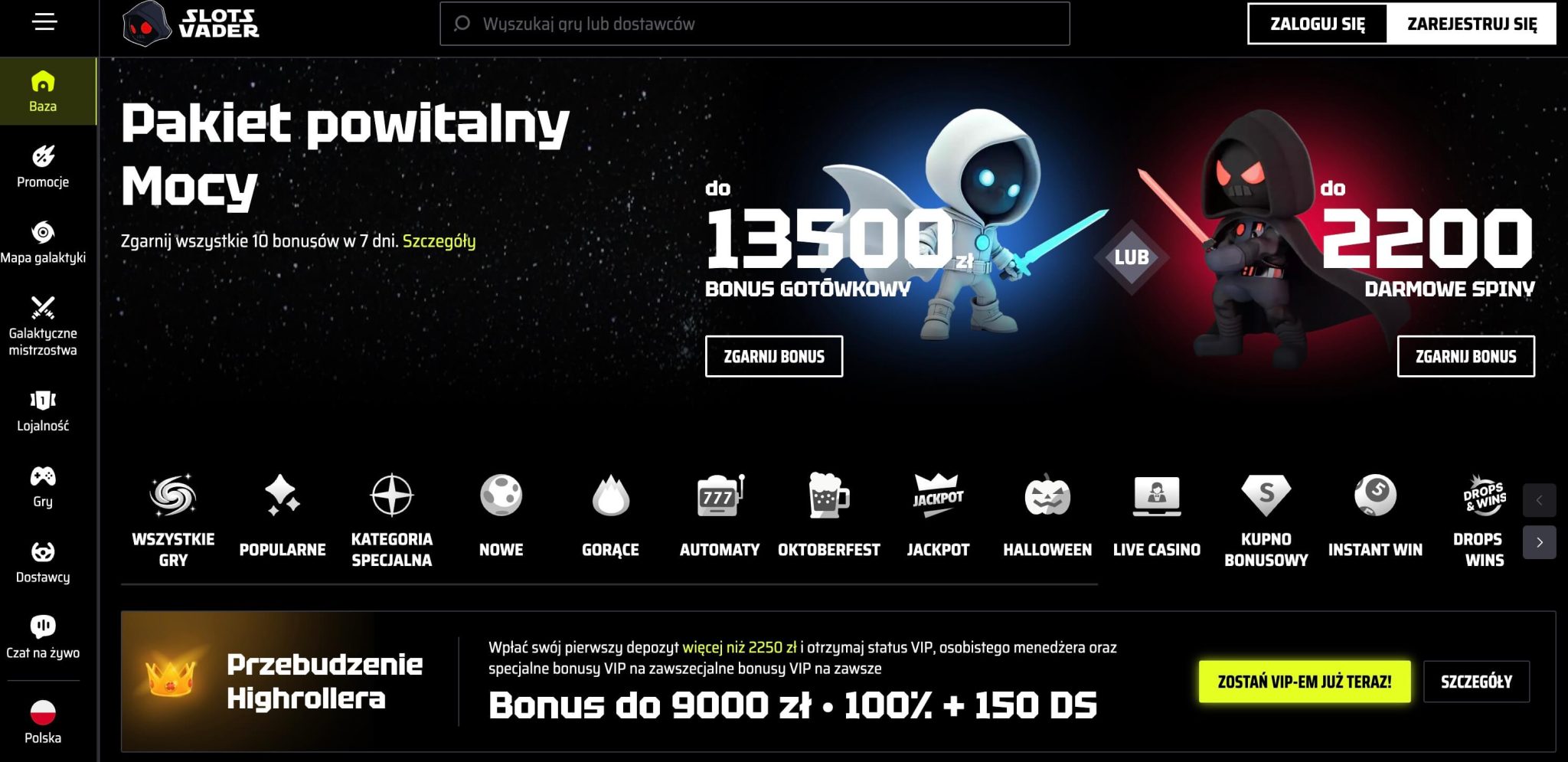
We designed the Slotsvader Casino dashboard to provide Greek players a simple, secure overview of their gaming activity. When you first log in, you view your balance, recent transactions, active bonuses, and verification status in one place. This guide covers registration, document verification, security settings, and responsible gaming tools. We want for your experience to be straightforward from the moment you create your account on slotsvaders.net.gr/login/. The dashboard functions the same on desktop and mobile, so you can control deposits, withdrawals, and limits without confusion. Our support team is also ready if you need extra help.
Confirming Your Profile Documents
Before your first withdrawal, we require Greek players to complete a short verification check. This is a standard procedure called Know Your Customer, or KYC. You will need to provide a clear copy of a government-issued identity document, such as your Greek identity card, passport, or driving licence. We also require a recent proof of address, for example a utility bill or bank statement issued within the last three months. Occasionally, our team may require a photo of the payment method you used for deposits, like a masked card or e-wallet screenshot. The whole process is managed through the dashboard, so you do not need to email documents separately.
Our verification team reviews documents manually during business hours. Greek players usually get a confirmation within 24 hours, but delays can arise during weekends or public holidays. To speed up the process, make sure your scans are not blurred, cropped, or covered by glare. We take documents in Greek or English, and no translation is required. If you upload a bank statement, we only need the page showing your name and address. Once your account is verified, you will find a green status badge on the dashboard, and withdrawal requests will be handled without additional document checks. Keep your documents up to date to prevent future interruptions.
Resolving Common Login Issues
From time to time, Greek players might experience trouble entering the dashboard. The most common issue is a forgotten password, which you can reset by clicking the “Forgot Password” link on the login page. We deliver a secure reset link to your associated email address. If you do not receive the email within a few minutes, look in your spam folder and ensure you provided the correct address. Another typical problem is an account temporarily locked after several failed login attempts. This is a security measure we employ to protect your funds. Hold a few minutes and attempt again, or get in touch with support if the lock continues. Erasing your browser cache and cookies can also fix many dashboard loading problems.
Resetting Your Password and Account Lock
When you reset your password, we ask you to create a new one that is at least eight characters long. Refrain from reusing old passwords or simple sequences. If your account is blocked because of too many failed attempts, the lock usually lasts for fifteen minutes. After that, you can try again or use the password reset flow. For Greek players who misplace access to their email address, we offer a manual recovery process through our support team. You might have to submit a copy of your ID to confirm your identity. Once we verify your details, we change your email address and reinstate access. Under no circumstances give out recovery codes with anyone.
Account Creation Guide for Players from Greece
We have simplified the account creation process so Greek users can register without frustration. The registration form on our sign-in page includes entries for your official name, date of birth, home address, email, and phone number. You will also be required to select your preferred currency to EUR and create a password. Here are the guidelines our team recommends implementing. Be thorough with each section, because errors can delay account approval later. Do not use shortened versions of your name. Your date of birth must match the one on your Greek identity card, passport, or driving licence. After filling out the form, check your inbox and spam folder for the activation link.
- Go to slotsvaders.net.gr/login/ and click the “Create Account” link.
- Provide your complete official name exactly as it is shown on your Greek ID or passport.
- Supply your date of birth, email address, and a phone number with the +30 country code.
- Create a robust password that combines upper-case characters, numbers, and special characters.
- Select Greece as your country of residence and provide your full address.
- Confirm that you are at least 21 years old and accept the terms and conditions.
- Submit the form, then follow the confirmation link sent to your email.
Handling Deposits and Withdrawals
We offer a variety of payment methods for Greek players, and all deposits are processed instantly once confirmed. You can credit your account using credit or debit cards, e-wallets such as Skrill and Neteller, and bank transfers. The minimum deposit amount is set at a level that matches most budgets, and you will see the exact amount before you confirm. Withdrawals operate through the same methods in most cases, though we may need you to use a method you have previously used for deposits. Before making a withdrawal, ensure your account is verified to prevent delays. The dashboard shows pending and completed transactions in real time.
Deposit Choices
Greek players often https://air.euro2day.gr/media/files/1475111-prices.pdf select e-wallets for their speed and convenience, but card payments remain widely supported. When you open the deposit section, you will see the available methods for your account. Pick the amount you want to add, then follow the secure payment prompt. We do not charge deposit fees, and funds usually appear within seconds. If your deposit fails, check with your bank or e-wallet provider, because some Greek banks may block gambling-related transactions. You can use a different method or contact our support team for guidance. We update the list of accepted methods regularly based on player feedback.
Withdrawal Timelines
Withdrawal requests are reviewed by our payments team before being sent to your chosen method. E-wallet withdrawals typically take up to 24 hours after approval, while card and bank transfers can take three to five business days. We process requests during normal business hours, Monday to Friday, so weekend requests start on Monday. The dashboard shows the current status of each withdrawal, from “pending” to “completed.” If you have an active bonus, we may need to confirm that wagering requirements have been met before releasing funds. We suggest keeping your payment details up to date to avoid returned transactions.
Getting Started with Your Slotsvader Casino Account
Registering at Slotsvader Casino requires only a few minutes. We request basic personal details, contact information, and a secure password. For players in Greece, you need to be at least 21 years old and submit accurate information that matches your official documents. This enables us protect your funds and comply with Greek gambling regulations. Once you send the registration form, we transmit a confirmation email to the address you provided. Tapping that link triggers your account and lets you explore the game library. After activation, you can log in and finish the verification process before carrying out your first withdrawal. We suggest using an email address you monitor regularly.
Our platform supports the euro as the main currency for Greek users, so you will not need to worry about conversion fees when you fund or play. The dashboard instantly shows your balance, pending withdrawals, and bonus progress in EUR. We also employ localised details where possible, such as the +30 country code for mobile phone verification. If you have before played at other online casinos, you will find our layout familiar, but we have streamlined the menus to reduce unnecessary clicks. Before you commence, ensure you are using a stable internet connection and have a valid email address and phone number ready. This preparation avoids delays during registration and later verification steps.
Navigating the Dashboard Layout Layout
After you log in, περιηγηθείτε στον ιστότοπο, the dashboard displays the key information up top. Your current balance, promotional balance, and overall funds are displayed in euro. Beneath that, you can find direct links to deposits, cashouts, account history, and account preferences. We created the layout so players from Greece can carry out common tasks in just a couple of clicks, without needing to browse through long menus. The sidebar, or the menu button on mobile devices, includes all categories well labeled. If you have a bonus active, its playthrough progress appears as a percentage bar, so you can see how much you must still wager before making a withdrawal.
Key Dashboard Modules
- Balance section – available funds and bonus funds.
- Account history – deposits, withdrawals, and gaming activity.
- Promotional wallet – active promotions and playthrough progress.
- Verification status – document upload and KYC progress.
- Security options – password, two-step verification, and active sessions.
- Safe gaming – deposit limits, time alerts, and voluntary exclusion.
Strengthening Account Security
We regard account security as a top priority, and we motivate Greek players to employ every available protection. Your password should be unique and not reused with any other service. The dashboard includes a security centre where you can check recent login sessions, change your password, and turn on two-factor authentication. Our platform uses SSL encryption to protect your personal and financial data, but you also play an important role. Steer clear of logging in on public Wi-Fi networks, and never reveal your one-time codes with anyone. If you notice unauthorised access, update your password immediately and notify support. We never ask for your password via email or chat.
Activating Two-Factor Authentication
Two-factor authentication adds a second layer of protection to your Slotsvader Casino account. Once turned on, you will be required to type a short code from an authenticator app, such as Google Authenticator or Authy, each time you log in from a new device. To turn on this feature, navigate to the security section on your dashboard and complete the on-screen setup steps. The app produces codes even without an internet connection, which is convenient for Greek players who journey. We strongly advise enabling 2FA, especially if you employ the same email address for multiple online services. If you misplace access to your authenticator app, our support team can help you recover your account after identity verification.
Responsible Gaming Tools on Your Dashboard
We want every Greek player to appreciate Slotsvader Casino as a type of entertainment, not a source of anxiety. That is why the dashboard features responsible gaming tools that you can control at any time. You can set daily, weekly, or monthly deposit limits, activate reality checks, or take a break from playing. These settings are implemented immediately and cannot be canceled before the chosen period ends without a cooling-off delay. Our team also offers links to independent support organisations for players who need professional guidance. We review these tools regularly to ensure they meet Greek and European standards for player protection.
Configuring Personal Limits
To set a deposit limit, navigate to the responsible gaming section and pick the timeframe you want. You can establish separate limits for deposits, losses, and session time. Once you confirm the limit, it takes effect to your account instantly. If you attempt to deposit above the limit, the transaction will be denied until the next period begins. We also provide reality checks, which present a pop-up reminder after a set amount of play. This enables you keep track of time and step back. Greek players can change limits at any time, but increases become active after a short waiting period to avoid impulsive decisions.
Mobile and PC Dashboard Access
Our dashboard is entirely responsive, which means you can access it on a desktop computer, laptop, tablet, or smartphone with no installing extra software. The layout adjusts to your screen size, so all key functions keep accessible. Greek players who prefer gaming on the go can log in through their mobile browser and manage deposits, withdrawals, and account settings with the identical level of security. We recommend bookmarking the login newsit.gr page on your device for quick access. The mobile version utilizes the same encryption and authentication methods as the desktop version, so you do not lose protection when switching devices. Some older browsers may have display issues, so maintain your browser updated.
Mobile Browser Tips
For the best mobile experience, we advise using a modern browser such as Chrome, Safari, or Firefox with the latest updates installed. Enable JavaScript and cookies, because the dashboard counts on them for secure sessions. If you use a privacy mode or VPN, you may be asked to verify your identity more often, which is a standard security measure. Greek players with limited mobile data can still use the dashboard normally, but large game graphics are not loaded until you open a game. This maintains the dashboard fast and reduces data usage. If the page does not load, try clearing your browser cache or switching from mobile data to Wi-Fi. We test the dashboard on a range of devices regularly.